

Many business and property owners assume that changing alarm monitoring providers means ripping out panels, keypads, and sensors that still work. In most cases, that is not true. The panel on your wall, the door contacts, the motion detectors, and the keypads are physical devices. The monitoring service is a separate arrangement that connects those devices to a central station where operators respond to alarm signals.
At All Star Security, we regularly take over existing security system monitoring for owners who want a different provider but have no reason to replace working hardware. This guide explains the full process in plain terms: how to check compatibility, review your current contract, notify your old provider, and transfer monitoring without leaving your property unprotected.
Why Owners Switch Alarm Monitoring Providers
People move their monitoring for a range of reasons. The most common ones we hear include:
1. Monthly monitoring fees that have climbed over the years without any change in service
2. Slow or inconsistent response when alarm signals come in
3. A provider that was acquired or merged, leaving the owner with a new name on the bill and less clarity about who answers the phone
4. Difficulty reaching anyone to update contact lists, passcodes, or emergency call order
5. A contract that auto-renewed without a clear reminder
6. A move to a new building where an existing system is already installed
None of these reasons require new equipment. They require a new monitoring arrangement, and that is a process of paperwork, communication, and programming.
Can Monitoring Be Separated From Your Equipment?
Usually, yes. An alarm system has three basic parts. The first is the hardware installed on the property, including the control panel, sensors, sirens, and keypads. The second is the communication path, which sends signals from the panel to the monitoring center. That path may be a cellular communicator, an internet connection, or a traditional phone line. The third is the monitoring center itself, which receives signals, contacts the right people, and dispatches emergency services when needed.
When you switch providers, the first part stays in place. The second part may need a small adjustment, such as reprogramming a communicator or replacing an outdated one. The third part is what actually changes.
There are a few situations where separating the two is more complicated:
1. The panel is locked, meaning the original installer holds the programming code and has not released it
2. The communicator is owned by the old provider and is tied to their network
3. The equipment is leased rather than owned
4. The panel is so old that no current central station can receive its signals reliably
Each of these can be worked through, and we cover them in the steps below.
The Switch Process at a Glance
Here is the sequence we follow with owners who want to change providers:
1. Check that your current equipment is compatible with a new monitoring service
2. Review your existing contract, including term, fees, and cancellation language
3. Gather your system information and confirm ownership of the equipment
4. Notify your old provider in writing at the right time
5. Transfer monitoring and reprogram the communication path
6. Test the system and confirm that signals are received
The sections below walk through each one.
Step 1: Check Whether Your Equipment Is Compatible
Compatibility is the first question, and it is the one that determines how smooth everything else will be. Most commercial and residential alarm panels made by major manufacturers can be monitored by any licensed central station, provided the communication path is working and the panel can be programmed to send signals to a new receiver.
Start by collecting the following details:
1. The make and model of your control panel, usually printed on the panel door or the circuit board inside
2. The type of communicator in use, whether cellular, IP, or a phone line
3. The age of the system and the date of the last service visit
4. Whether any zones are currently bypassed or showing trouble conditions
5. Whether the battery and power supply are in good condition
If you are not sure where to find this information, a technician can read it during a short site visit. We often ask owners to send a photo of the panel interior and any labels, which is usually enough for a first assessment.
Communication Paths and Why They Matter
Older systems that rely on a standard phone line are the most likely to need attention. Many phone lines have been replaced by internet or voice over IP service, and alarm signals do not always travel reliably across those connections. If your system still depends on a landline, moving to a cellular communicator is often part of a monitoring change. The panel itself generally stays put.
Cellular communicators from some providers are locked to that provider’s network. If yours is, it may need to be replaced with a communicator that works with the new central station. That is a small component, not a full system replacement. Before making changes, homeowners can review the FCC’s information on the transition away from traditional copper landline networks to understand how changes to phone infrastructure may affect their existing services.
Step 2: Review Your Current Contract
The contract is where most owners run into surprises, so read it before you contact anyone. Contracts vary widely, and we cannot tell you what yours says, but these are the items to look for.
1. Initial term and renewal terms: Many agreements run for a set number of years and then renew automatically for another period unless you cancel within a stated window.
2. Cancellation notice: Some contracts require written notice delivered by certified mail or to a specific address, and some require notice a set number of days before the renewal date.
3. Early termination fees: If you cancel before the term ends, the contract may require payment of some or all of the remaining monthly fees.
4. Equipment ownership: Check whether the contract says the equipment belongs to you or to the provider, and whether any leased items must be returned.
5. Programming codes: Look for any language about who holds the installer code and whether the provider will release it.
6. Fees for transfer or release: A few providers charge an administrative fee to release panel programming or to transfer an account.
If the contract is unclear, ask the provider to send a copy of the current terms in writing. Owners are entitled to know what they agreed to, and a written copy protects you in any later disagreement.
Timing the Cancellation
If you are close to the end of your term, the best approach is usually to give notice within the allowed window and schedule the new service to start the day the old one ends. If you are in the middle of a term, compare the cost of the remaining payments against the savings from the new arrangement. Sometimes it makes sense to wait. Sometimes the numbers favor switching right away. We are glad to look at your figures with you and give an honest comparison, because the right answer depends on the details.
Step 3: Confirm Ownership and Gather System Information
Before you contact the old provider, confirm a few facts so the transition stays orderly. You will want to know:
Who owns the panel, keypads, sensors, and communicator
Whether the installer code and master code are known to you
Your current account number and the name on the account
The list of emergency contacts and the passcode used to verify identity
Any permits or registrations tied to the alarm system with the local jurisdiction
Many cities and counties require alarm registration, and some track false alarm history by account. If your registration is under the old provider’s name, it may need to be updated when monitoring changes hands.
Equipment ownership deserves special attention. If you purchased the system outright, the hardware is yours, and the provider has no claim on it. If you financed it through the provider or signed a lease, the agreement will spell out what happens at cancellation. Knowing this ahead of time keeps the conversation with your old provider short and factual.
Step 4: Notify the Old Provider
Once you understand your contract and have chosen your new monitoring arrangement, notify the old provider. A few practices keep this step clean:
Send written notice, even if the contract does not require it. An email with a read receipt or a letter sent by a trackable method creates a record.
State the account number, the service address, and the date you want service to end.
Request written confirmation that the cancellation was received and the date it takes effect.
Ask for the installer code and any programming information you are entitled to under the contract.
Keep copies of everything you send and receive.
Do not cancel before the new monitoring is active. A gap in service means alarm signals have nowhere to go, and a break in monitoring can also affect insurance coverage if your policy requires an active monitored system. The safest sequence is to arrange the new service first, confirm it is working, and then end the old service on a matching date.
If the old provider responds with a retention offer, you are free to consider it. Compare the terms against the new arrangement and decide on the full picture, including contract length and any conditions attached to the lower price.
Step 5: Transfer Monitoring and Reprogram the Communicator
With the notice sent and the dates lined up, the technical transfer can begin. This is the part we handle for owners, and it generally involves the following work.
Registering your account with our central station and entering your contact list, passcodes, and emergency call order
Programming the panel or communicator to send signals to the new receiver
Replacing the communicator only if the existing one is locked, outdated, or unreliable
Confirming that every zone reports properly and that supervision signals are received
Updating alarm registrations with the local authority where required
Many of these changes can be made remotely when the panel supports it. If the panel is locked or the installer code is unavailable, an on-site visit may be needed. In rare cases where a panel cannot be reprogrammed at all, we explain the options plainly, which may include replacing only the panel while keeping the rest of the devices.
Our 24/7 alarm monitoring is staffed by operators who handle signals around the clock, and we confirm that handling process during setup so you know exactly who will be called and in what order if an alarm comes in.
Step 6: Test Everything Before You Rely on It
A transfer is not finished until the system has been tested end to end. We recommend running through this checklist with your provider on the day the new service starts:
Place the system in test mode with the central station and trigger each type of zone
Confirm that door and window contacts, motion detectors, and panic buttons all send signals
Verify that the operator reaches the correct contacts and uses the correct passcode
Check that low battery and communication failure signals report as expected
Confirm the date monitoring began and obtain that confirmation in writing
Testing takes a short time and removes guesswork. It also gives you a baseline, so that if something behaves differently later, you know what normal looked like on day one.
Common Problems and How to Avoid Them
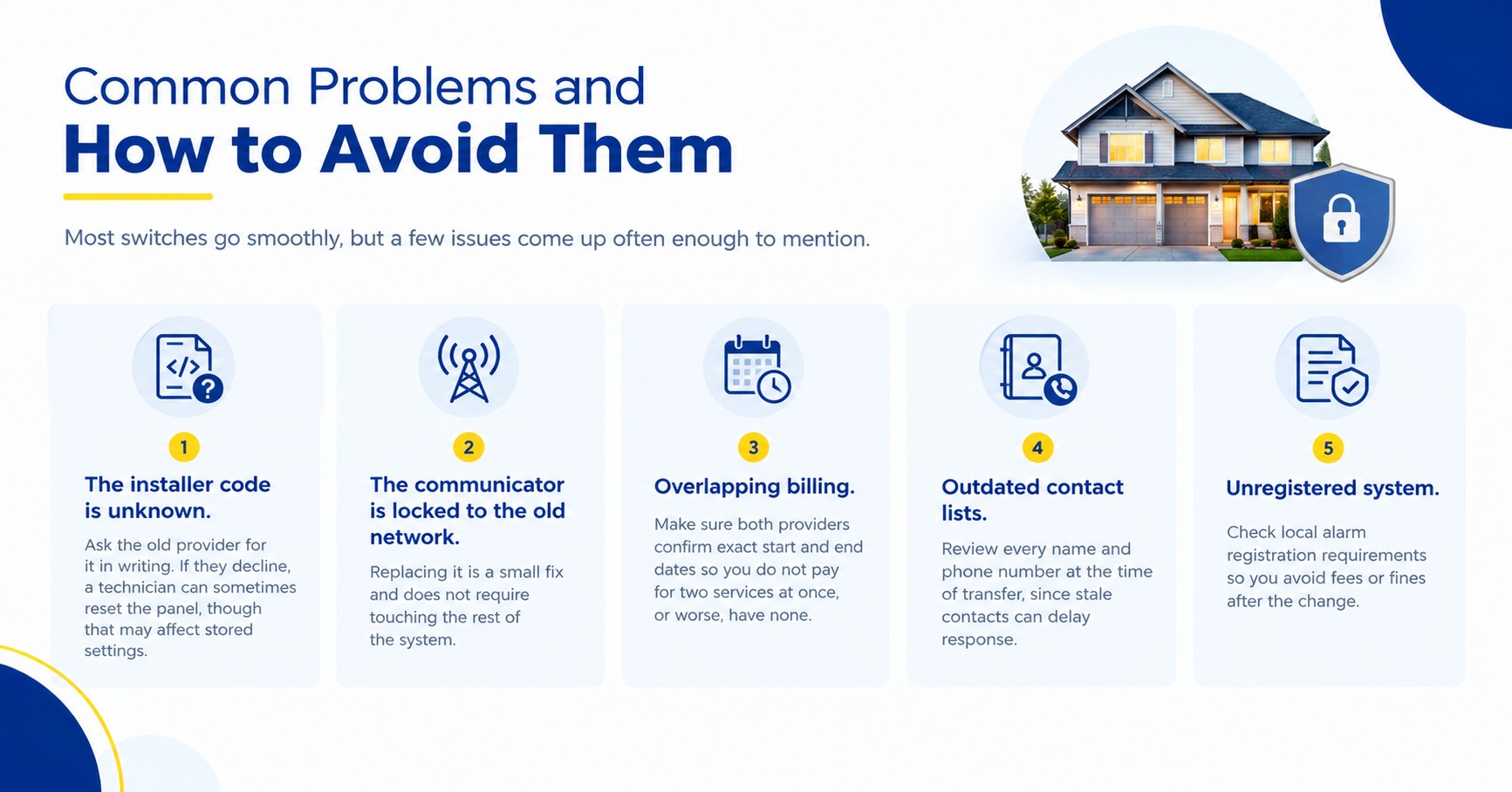
Most switches go smoothly, but a few issues come up often enough to mention.
The installer code is unknown. Ask the old provider for it in writing. If they decline, a technician can sometimes reset the panel, though that may affect stored settings.
The communicator is locked to the old network. Replacing it is a small fix and does not require touching the rest of the system.
Overlapping billing. Make sure both providers confirm exact start and end dates so you do not pay for two services at once, or worse, have none.
Outdated contact lists. Review every name and phone number at the time of transfer, since stale contacts can delay response.
Unregistered system. Check local alarm registration requirements so you avoid fees or fines after the change.
Business Properties and Multiple Locations
Owners with more than one site often ask whether they can move all locations at once. They can, though many prefer to move one site first, confirm the process works, and then schedule the rest. Each location has its own panel, contract, and communicator, so each one needs its own review. For commercial security systems, we also look at how the monitoring connects with other equipment, such as access control or cameras, so that nothing is disrupted during the change.
Weighing the Cost of Switching
Lower monthly fees are a common reason for switching, and they are worth a careful look. When comparing, include these items in your math:
Current monthly fee and the remaining months on your contract
Any early termination charge
New monthly fee and contract length
Cost of a replacement communicator if one is needed
Any one-time setup or programming fee
Add these up over the period you plan to keep the new service. That comparison tells you more than the monthly rate alone. We share the full cost picture up front so owners can decide with complete information.
Starting the Process With Us
If you own a working alarm system and want to move your monitoring, the simplest first step is a conversation. Reach out to our team with your panel model, your current provider, and your contract details if you have them. We will tell you whether your equipment can be monitored as is, what the transfer would involve, and what it would cost.
We serve properties across Texas, and you can see the areas we cover before you get in touch. If you would like to know more about who we are and how we work, you can read about All Star Security as well.
